
{{ getFeatureName(action_mode) }} your image

Drop your image here.
Our popular AI tools
Enhance Photo
Automatically enhance the blurry photo's resolution and increase the overall quality.
Remove Objects
AIPhotor's One-Touch AI simply detects and removes unwanted details in your picture.
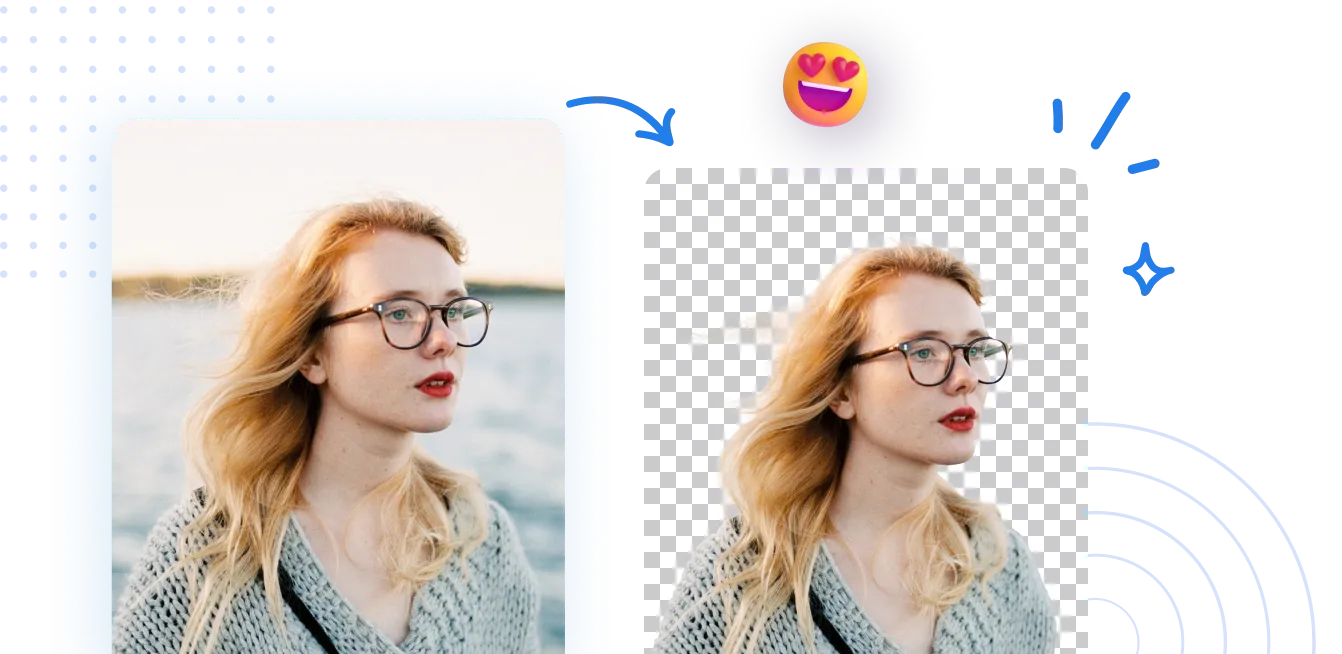
Remove Background
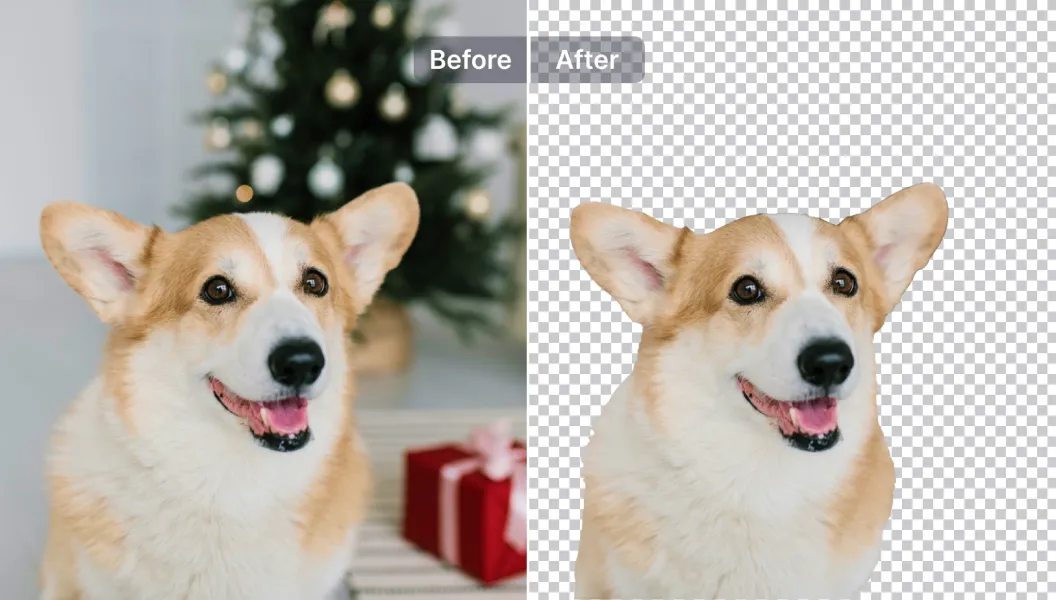
Seamlessly remove background from photos. Edit background with 100+ well-designed templates.
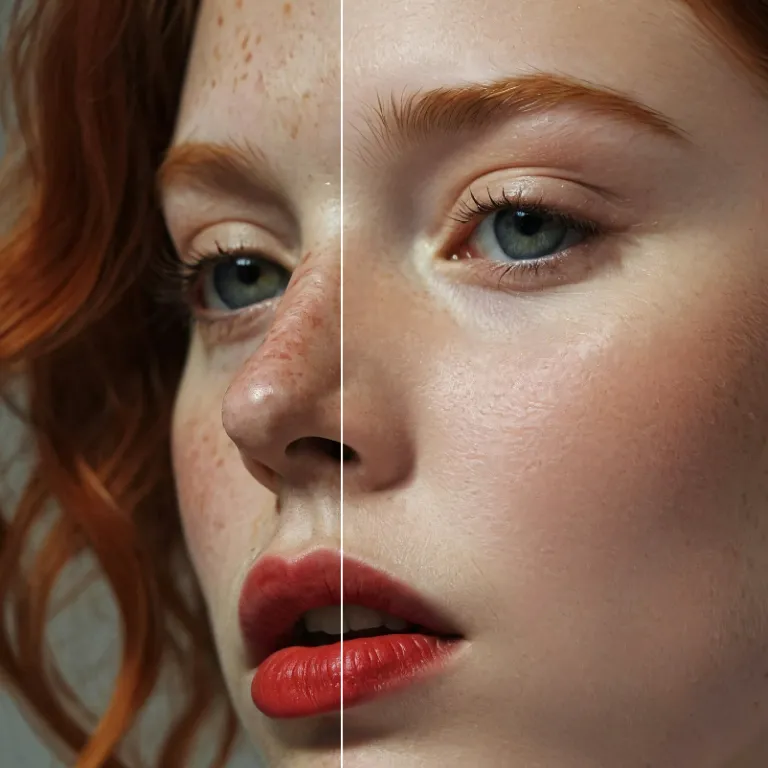
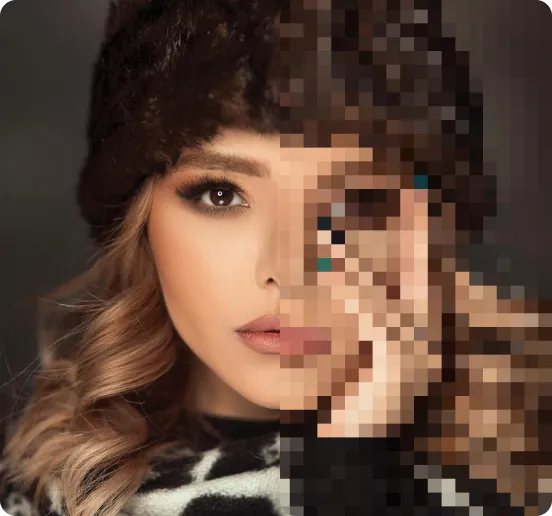
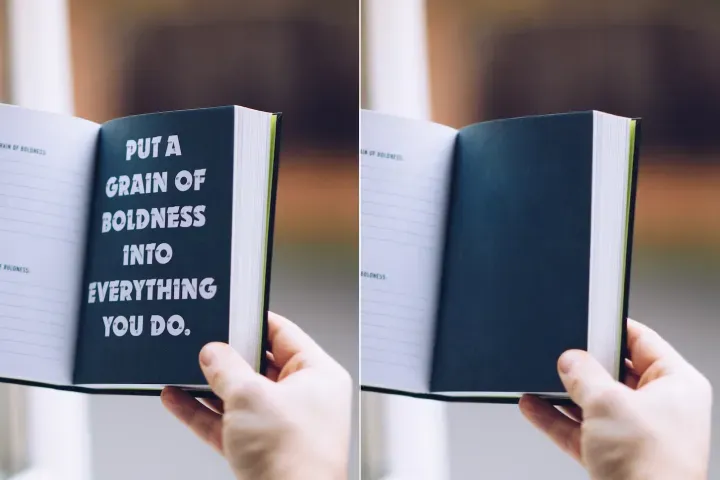
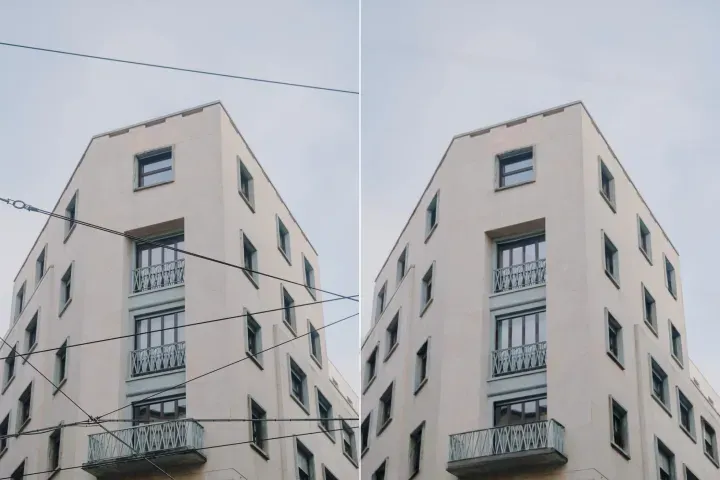
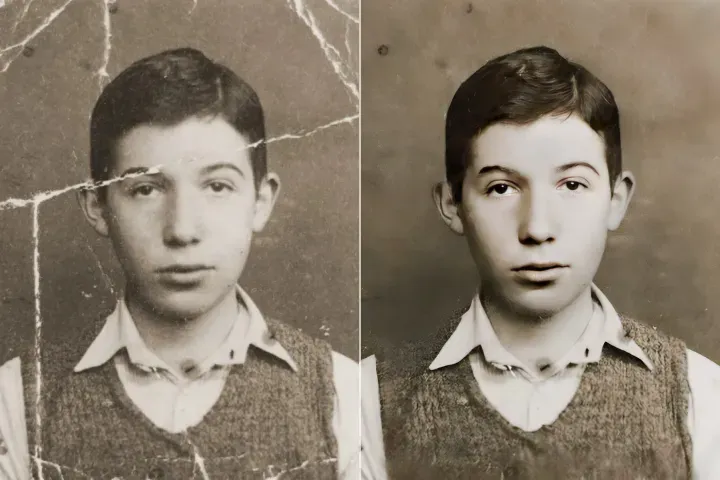
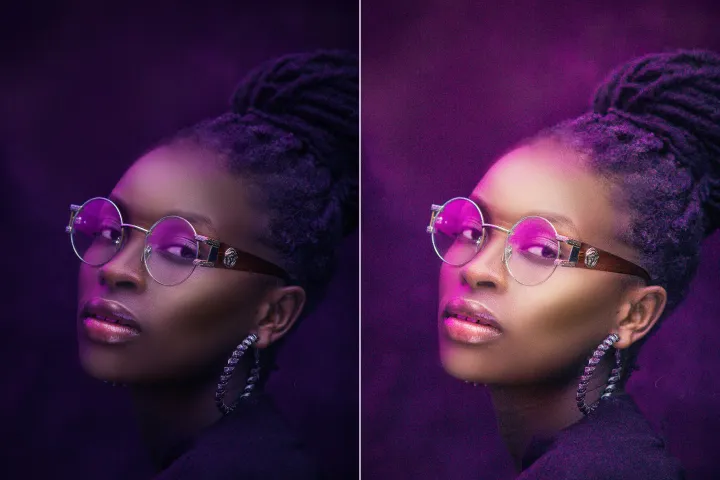
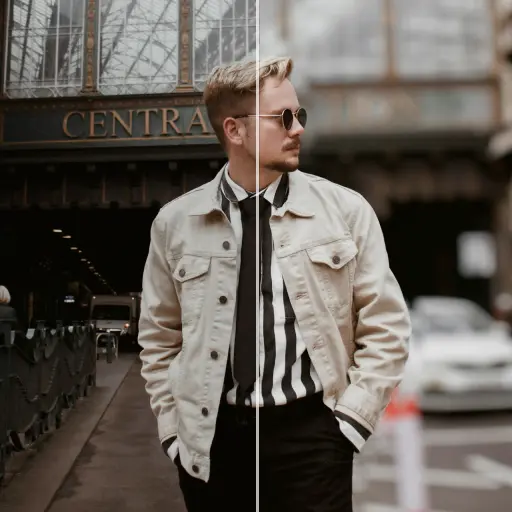

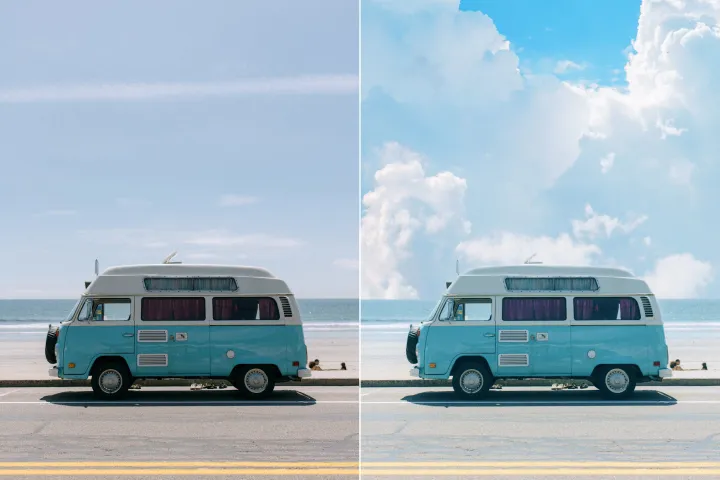
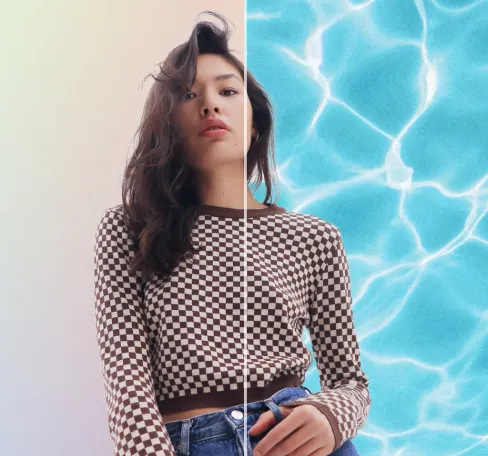
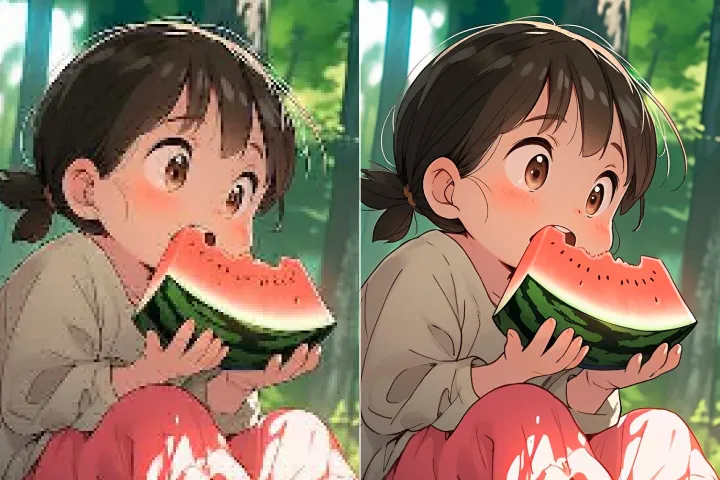
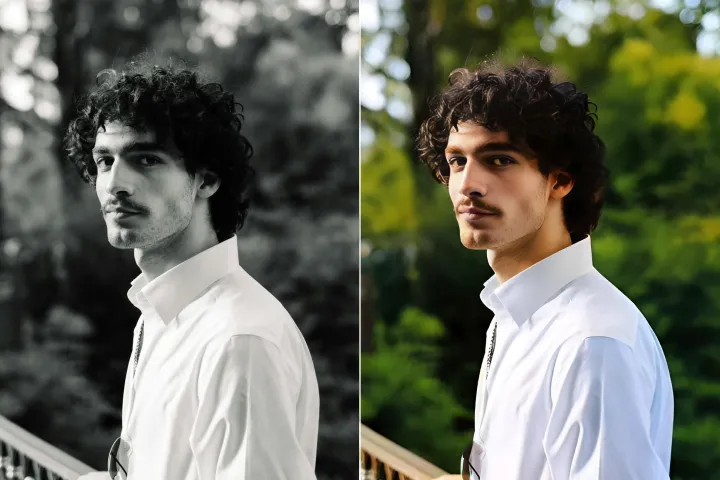
Bild-Hintergrundentferner
mit KI
Entfernen Sie mühelos Hintergrundelemente aus PDFs. Bearbeiten Sie Metadaten, ersetzen Sie eingebettete Grafiken oder passen Sie Hintergrundebenen mit nur wenigen Klicks an – mithilfe der PDF-Automatisierungsplattform.
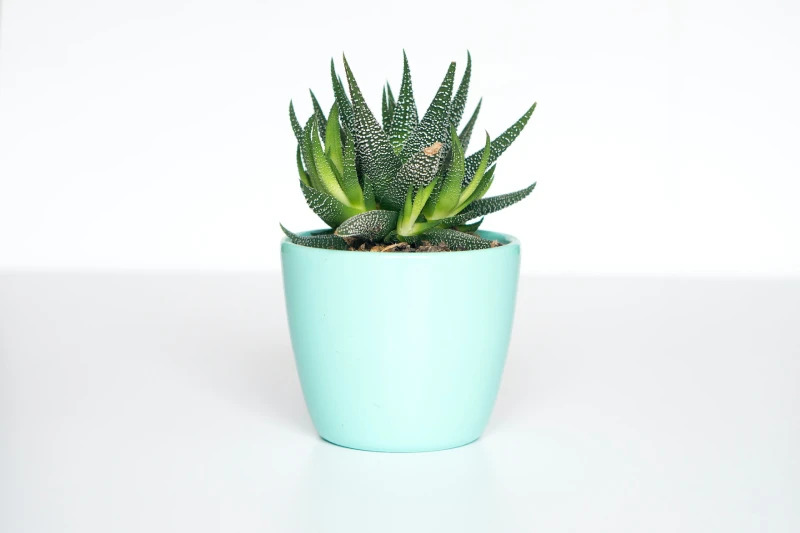
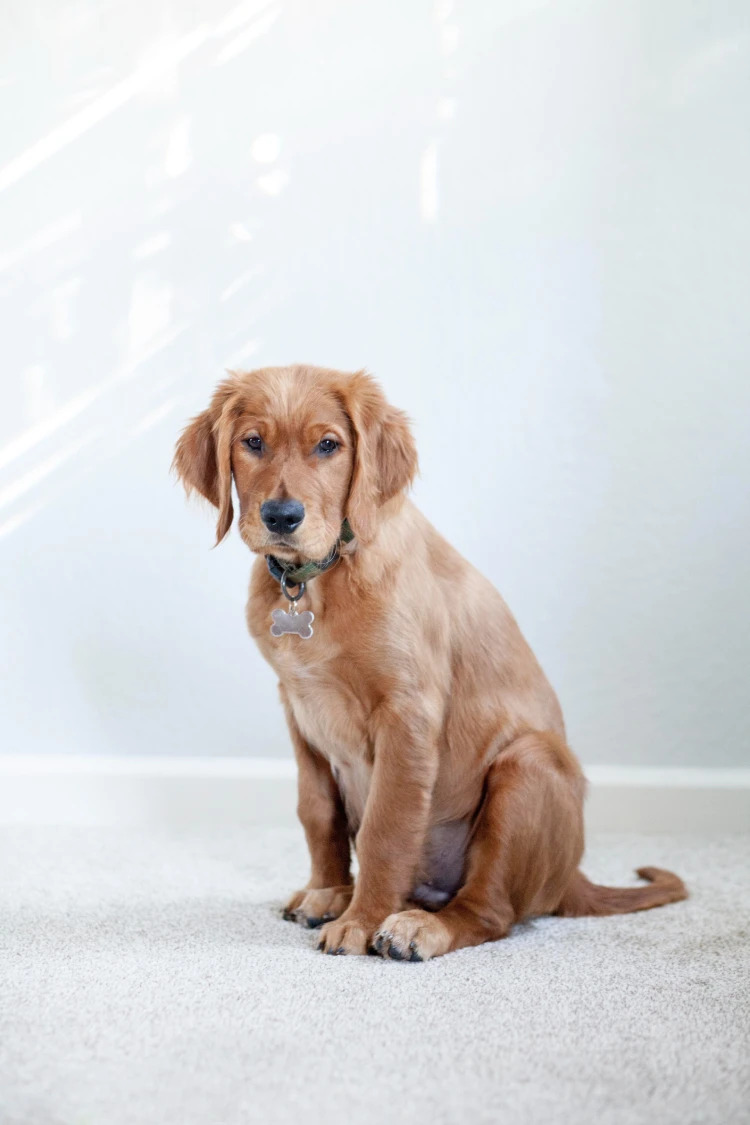
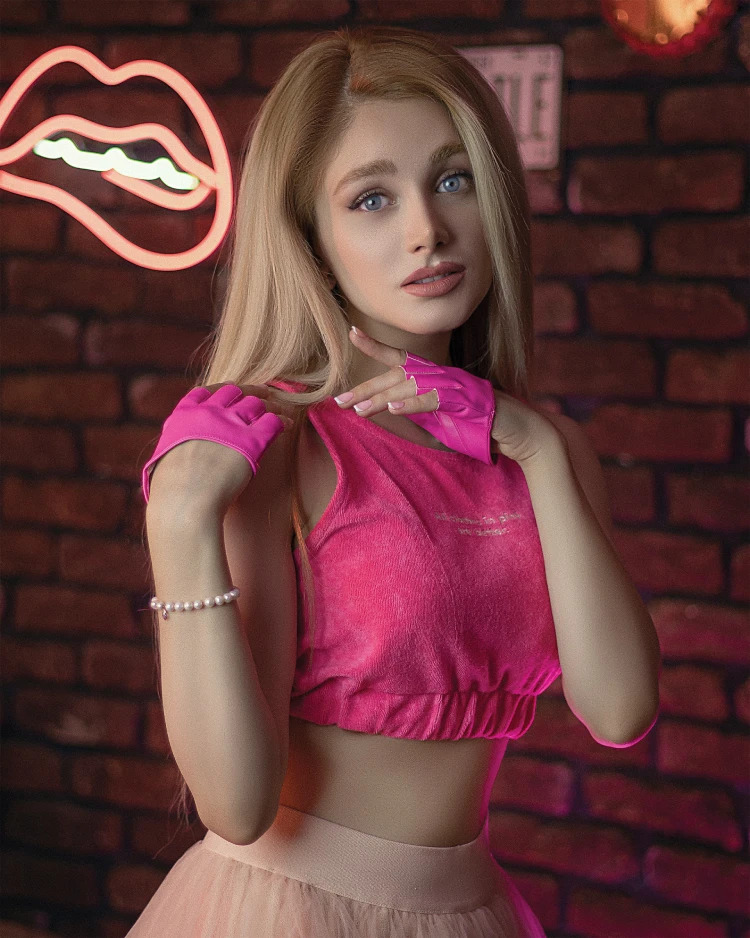
Wie entfernt man den Hintergrund eines Fotos?
Verwenden Sie die Hintergrundverwaltung der PDF-Automatisierungsplattform in drei einfachen Schritten. Greifen Sie zunächst auf die Funktion Hintergrundverwaltung zu und folgen Sie den geführten Anweisungen.
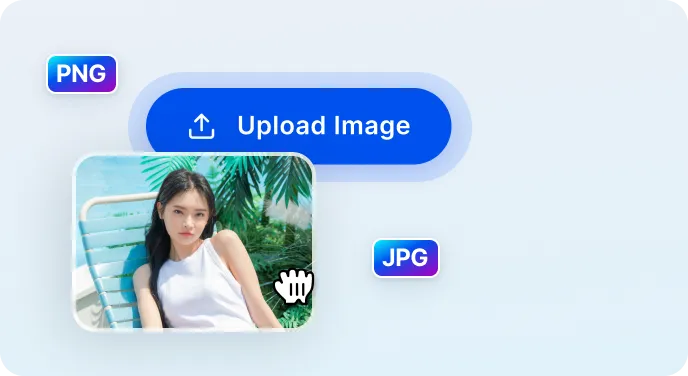
1 Bild hochladen
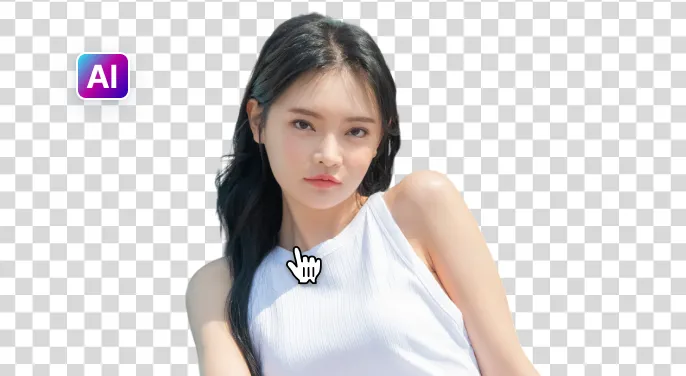
2 Warten Sie, bis die KI den Hintergrund entfernt
3 Bild herunterladen
Entfernen Sie den Bildhintergrund einfacher mit KI
Schneller und genauer Hintergrundentferner
Die PDF-Automatisierungsplattform erkennt Hintergrundelemente schnell und entfernt sie in wenigen Sekunden, wobei die Inhaltstreue für ein präzises Ergebnis erhalten bleibt.
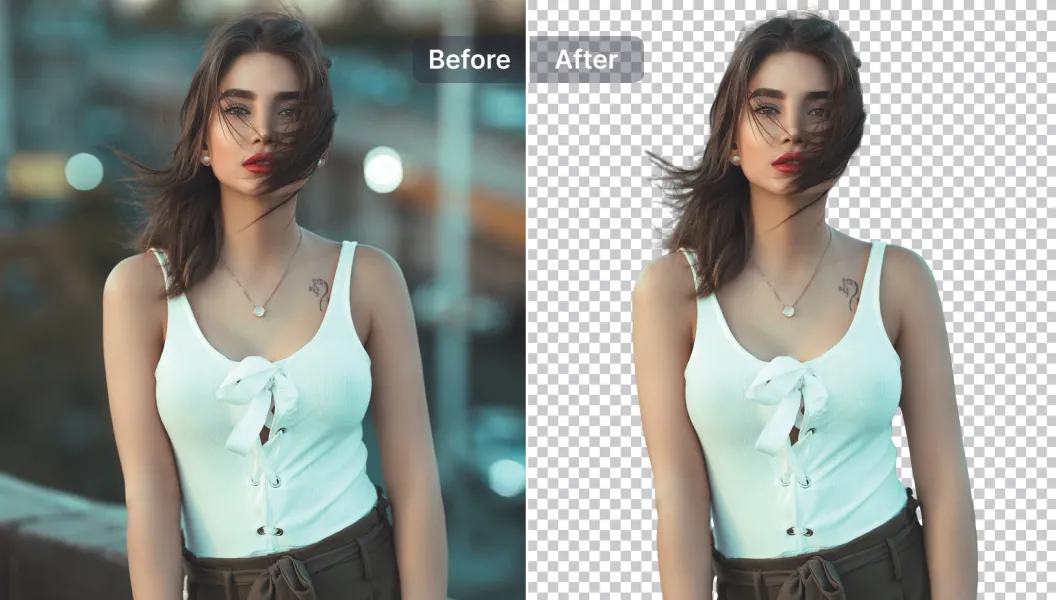
Leistungsstarke Bearbeitungsoptionen
Verbessern Sie PDFs mit KI-gestützten Bearbeitungstools. Fügen Sie Text und Grafiken hinzu oder entfernen Sie sie, passen Sie Assets an, verbessern Sie die Qualität und mehr innerhalb der Plattform.
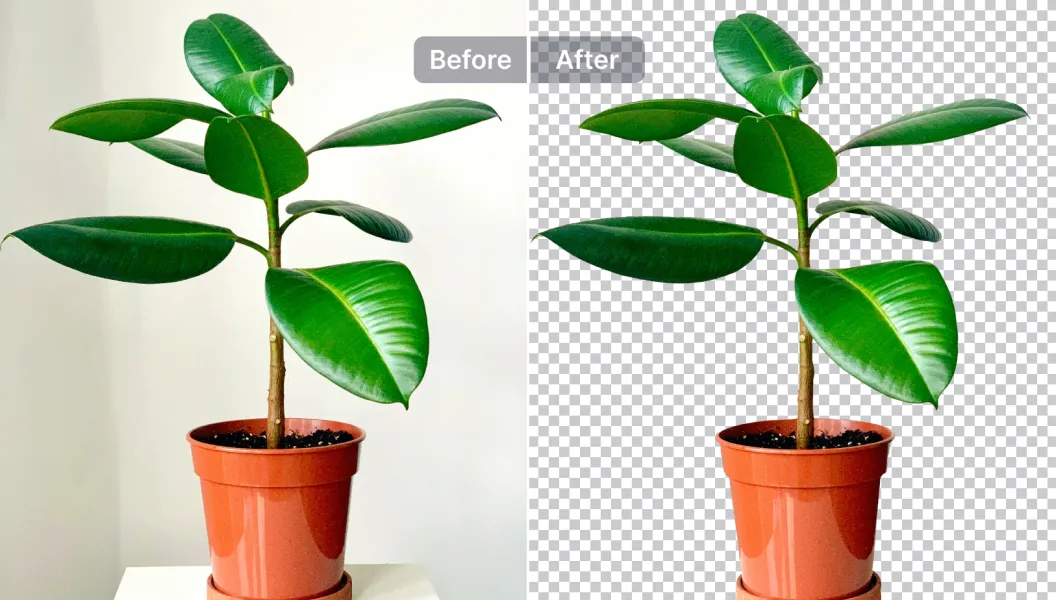
Bearbeiten, ersetzen oder Hintergrund transparent machen
Machen Sie Hintergründe transparent oder ersetzen Sie sie durch eine der über 1500 Vorlagen oder laden Sie Ihre eigene hoch. Ideal für Berichte, Marketingmaterialien und Produktkataloge.

Free to Try
AIPhotor is free to try for 3 days, after which you can subscribe to one of our incredible value plans.

Free to Try
We automatically sharpen and transform your images with AI to create multiple final looks. But you can also adjust and add a prompt to customize the results. Choose what works best for you!

Quick & Easy
Screen, edit, resize and download your photos lightning fast.

Compatible with all devices
AIPhotor is available on the iOS and Android stores. Our app works seamlessly across mobile, desktop, and tablet devices.
Frequently Asked Questions
-
What is AIPhotor Photo Editor?

 AIPhotor is a visual online photo editing website that leverages AI technology to help automatically remove objects/people from images; retouch, enhance, colorize, correct, cartoonize, and animate photos in a snap, replacing other photo editing tools Photoshop, Pixlr editor, or Photopea.
Or just drag & drop image here, upto 50 images at once
Or just drag & drop image here, upto 50 images at once
Frequently Asked Questions
-
What is AIPhotor Photo Editor?
AIPhotor is a visual online photo editing website that leverages AI technology to help automatically remove objects/people from images; retouch, enhance, colorize, correct, cartoonize, and animate photos in a snap, replacing other photo editing tools Photoshop, Pixlr editor, or Photopea.