
{{ getFeatureName(action_mode) }} your image

Drop your image here.
Our popular AI tools
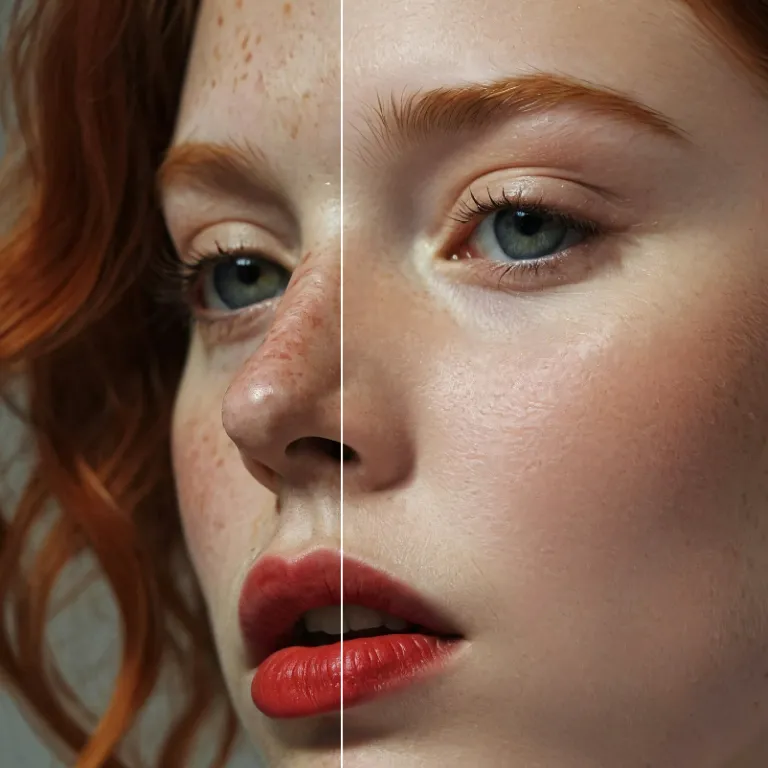
Enhance Photo
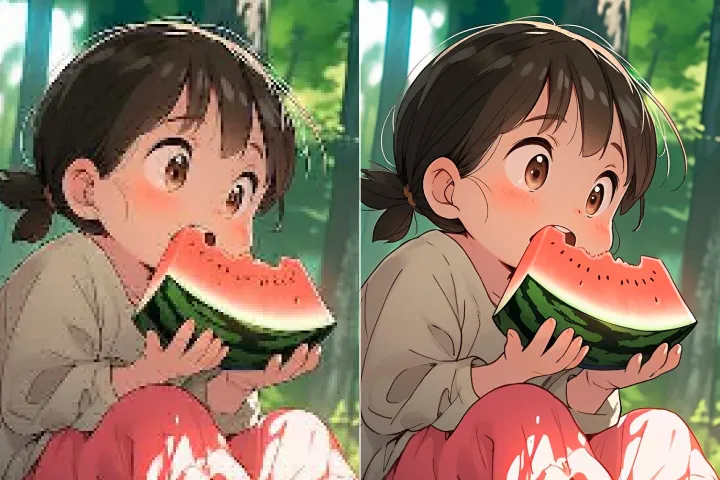
Automatically enhance the blurry photo's resolution and increase the overall quality.
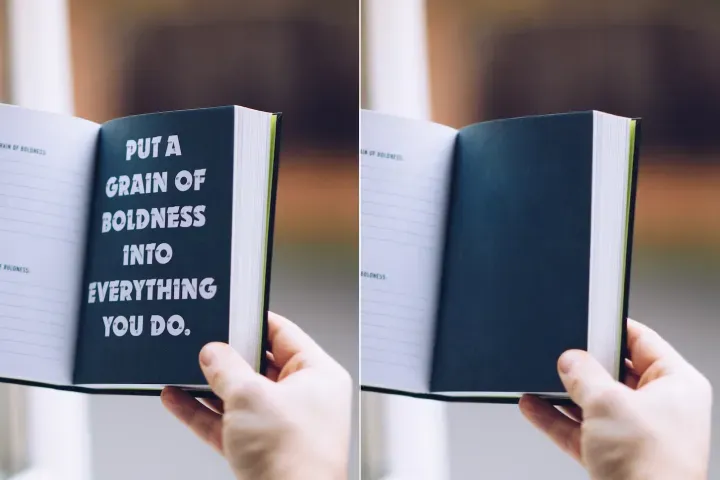
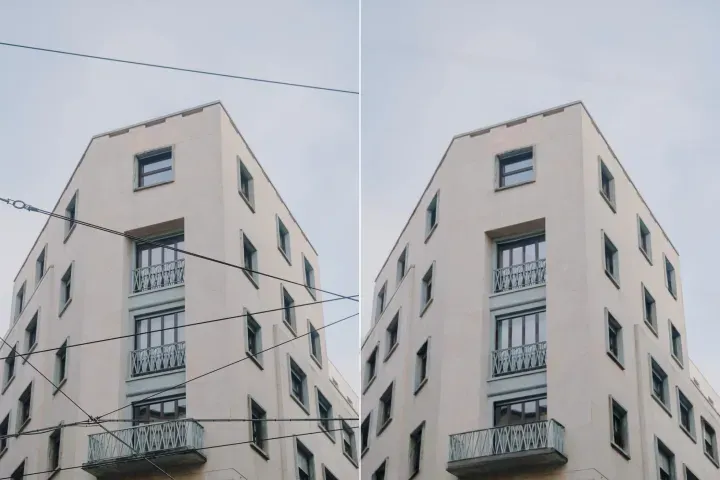
Remove Objects
AIPhotor's One-Touch AI simply detects and removes unwanted details in your picture.
Remove Background
Seamlessly remove background from photos. Edit background with 100+ well-designed templates.
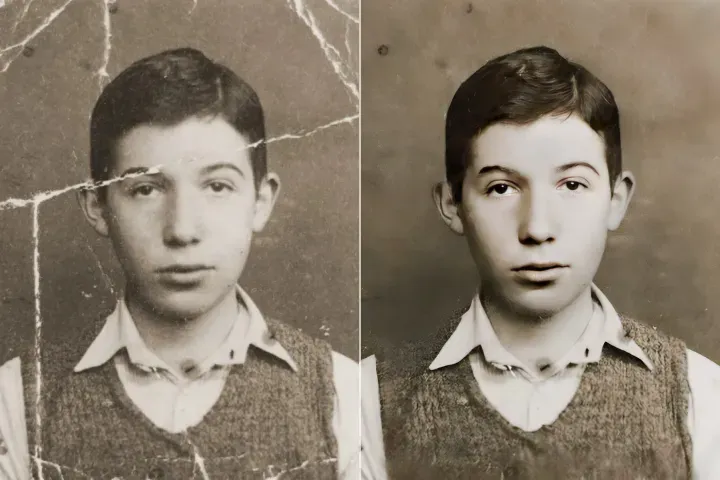
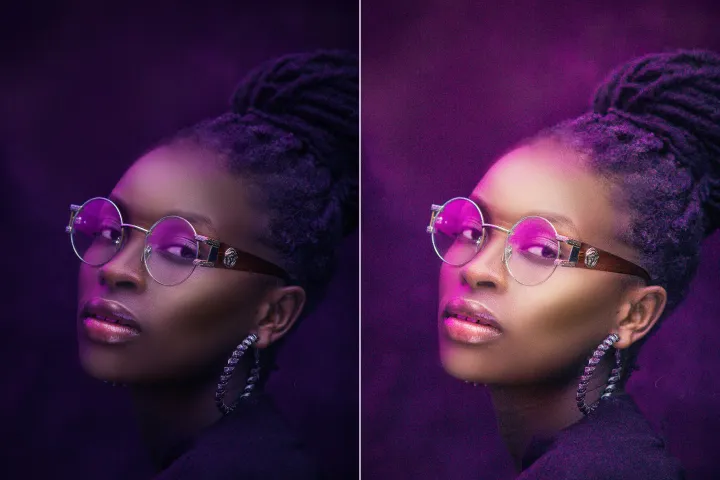
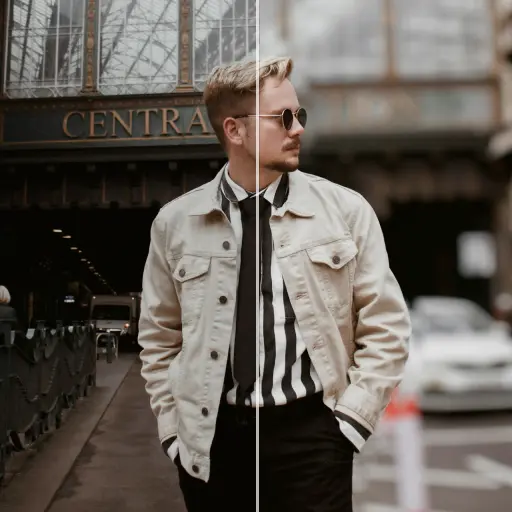
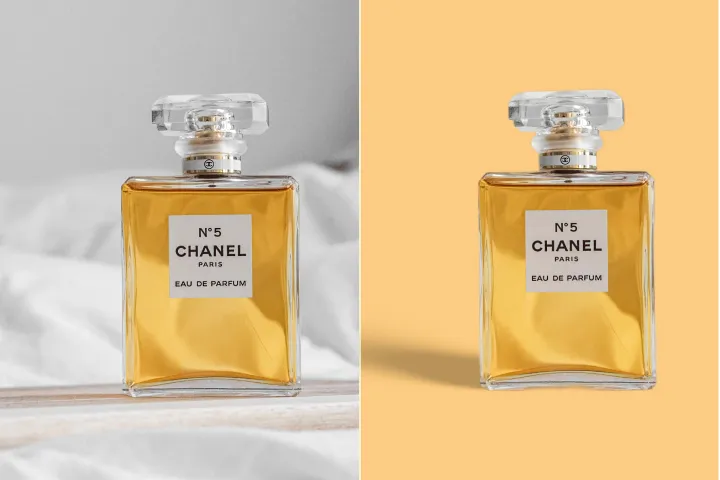
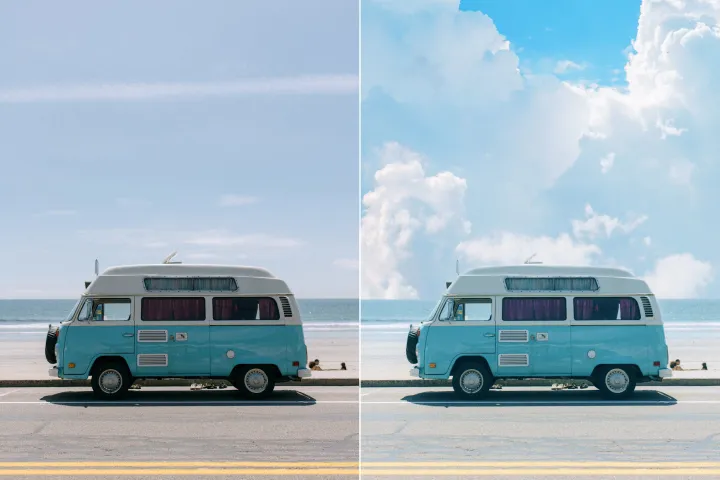
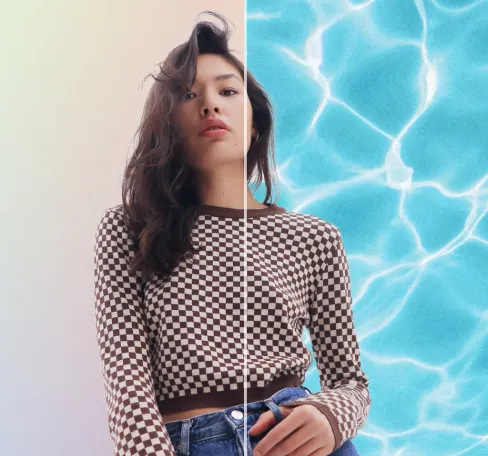
Hintergrund von Fotos kostenlos verwischen
Mühelos hochwertige Assets erstellen mit Hintergrundunschärfe als Teil der automatisierten Bildverarbeitung in der PDF-Automationsplattform. Schnell und skalierbar.
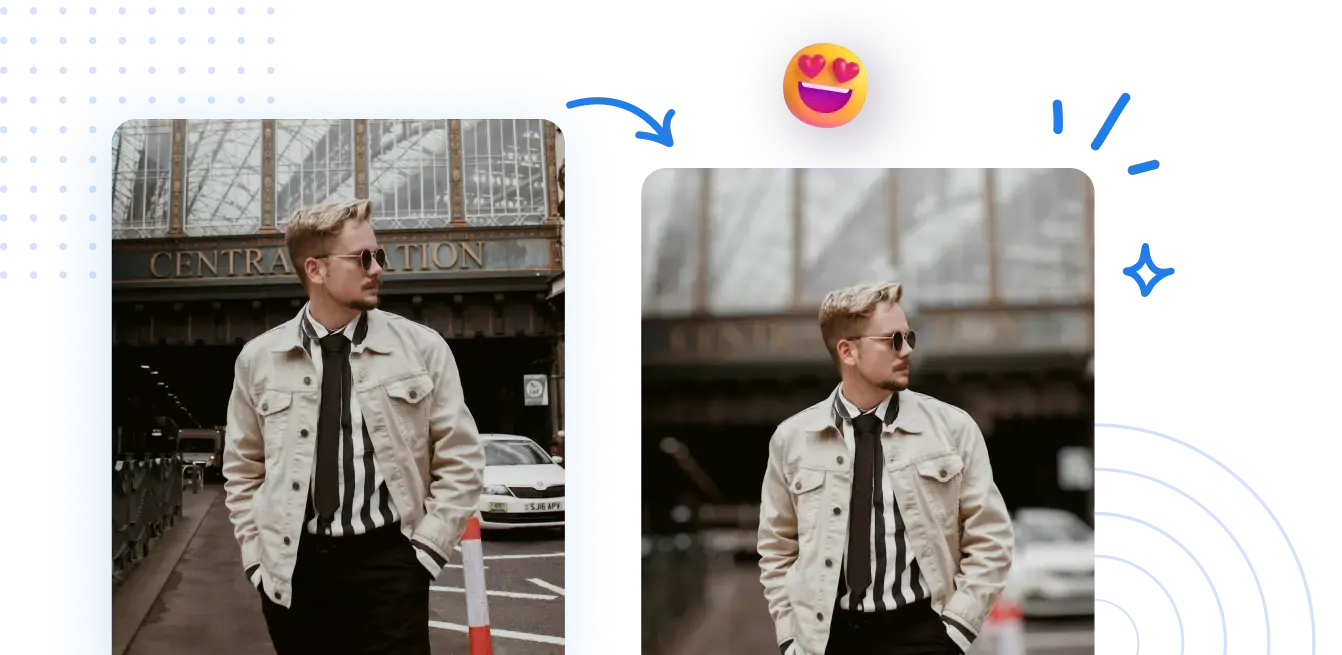
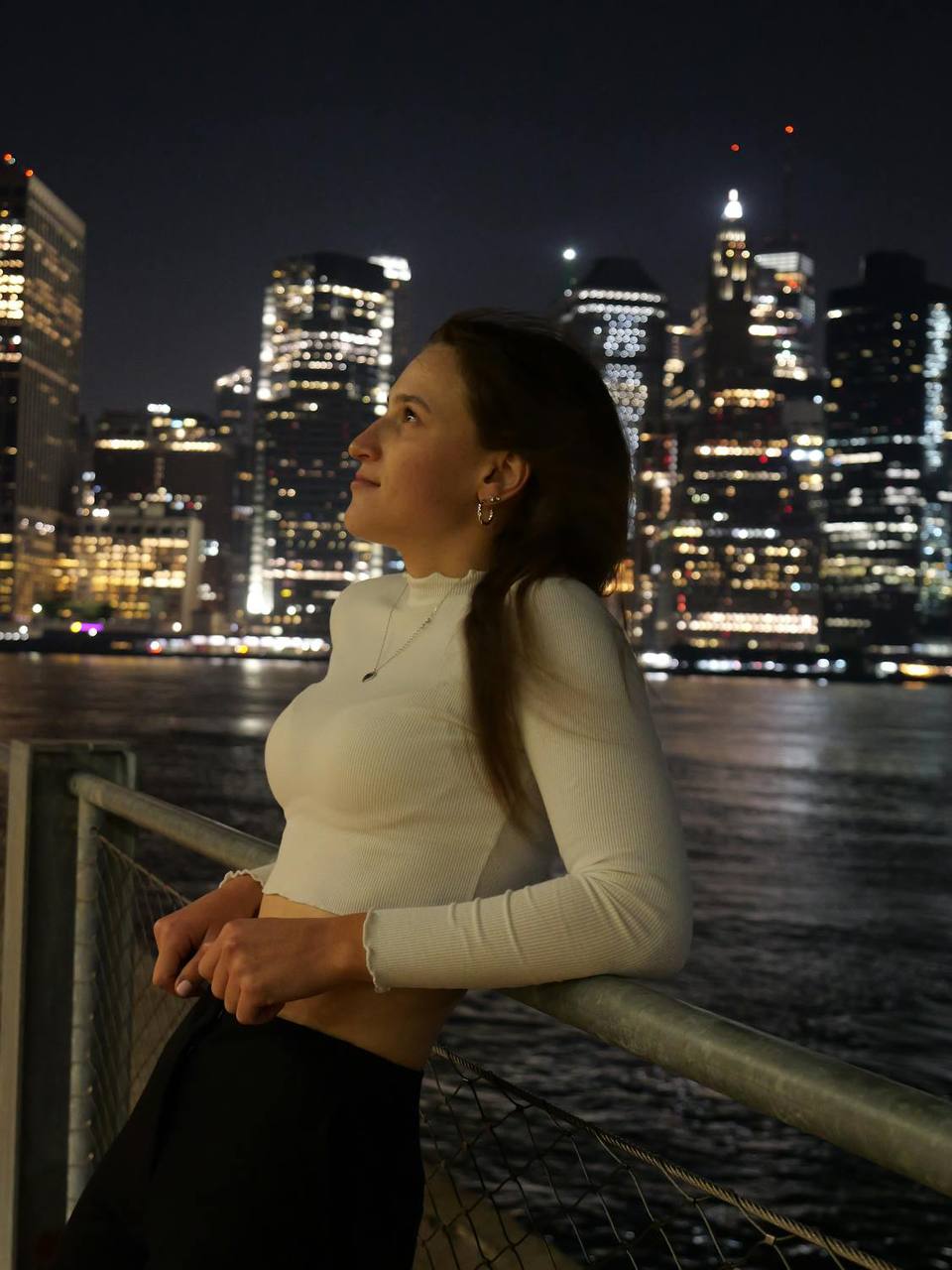



Wie man Hintergrundunschärfe auf Assets in der PDF-Automationsplattform anwendet
Keine aufwändige Einrichtung erforderlich. Nutzen Sie die PDF-Automationsplattform, um automatisierte, regelbasierte PDF-Operationen mit minimalem manuellem Aufwand durchzuführen.
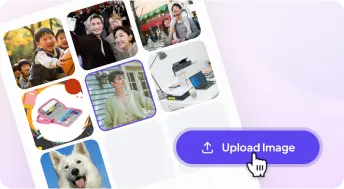
1 Ein Foto hochladen
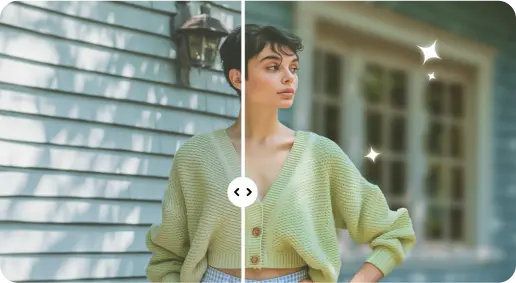
2 Den Hintergrund mit KI-gestützten Effekten unscharf machen
3 Speichere das neue Foto
Edge-Perfect Tool zur Hintergrundunschärfe
Verleihe Porträtaufnahmen mehr Tiefe
Automatisierte Hervorhebung und Abschnittstrennung in PDFs, um die Lesbarkeit zu verbessern und Konsistenz sicherzustellen.
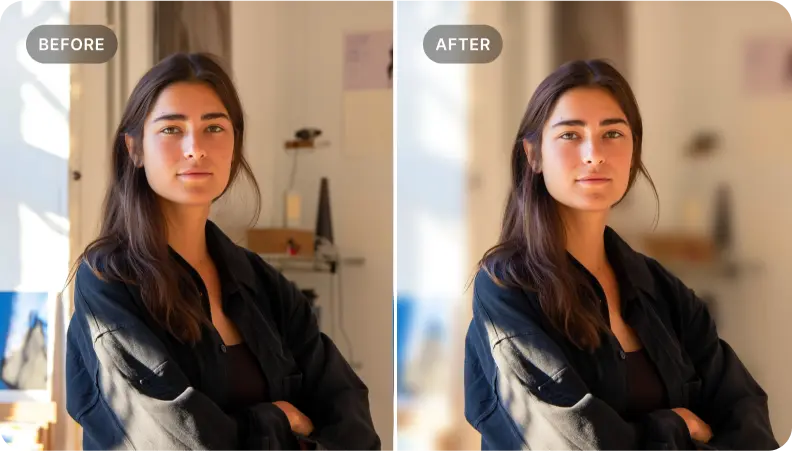
Unternehmensdokumente mit automatisierten PDF-Workflows verbessern
Wenden Sie konsistente, automatisierte Verarbeitung an, um kritische Daten hervorzuheben und das Verständnis von Dokumenten zu verbessern, was zuverlässige Ergebnisse liefert, die Entscheidungen unterstützen.
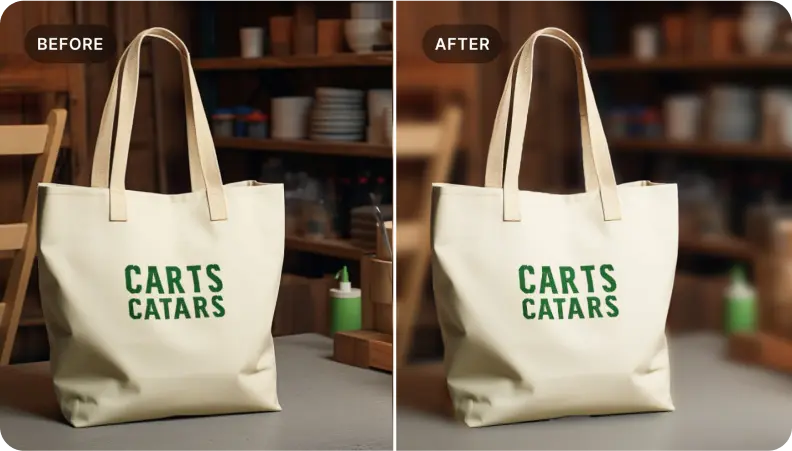
Spezifische Elemente in der Szene isolieren
Ideal für Bediener, die große Dokumentenmengen verwalten – automatisieren Sie das Fokussieren auf Schlüsselabschnitte, um eine konsistente Hervorhebung und eine kohärente Darstellung über alle Ausgaben hinweg sicherzustellen.
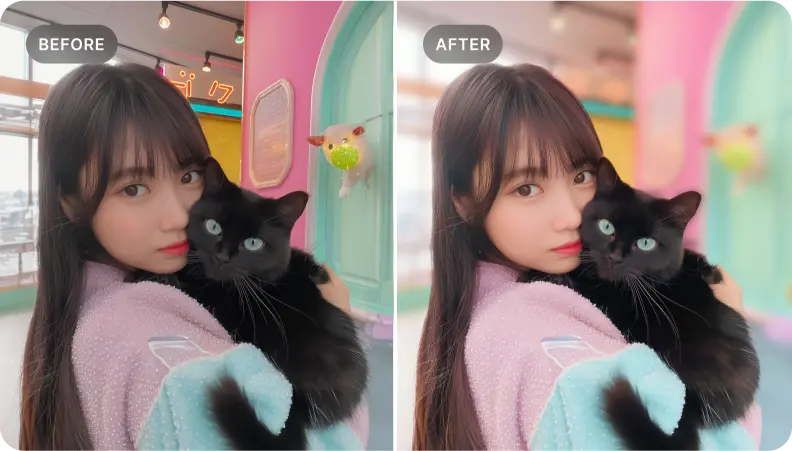

Free to Try
AIPhotor is free to try for 3 days, after which you can subscribe to one of our incredible value plans.

Free to Try
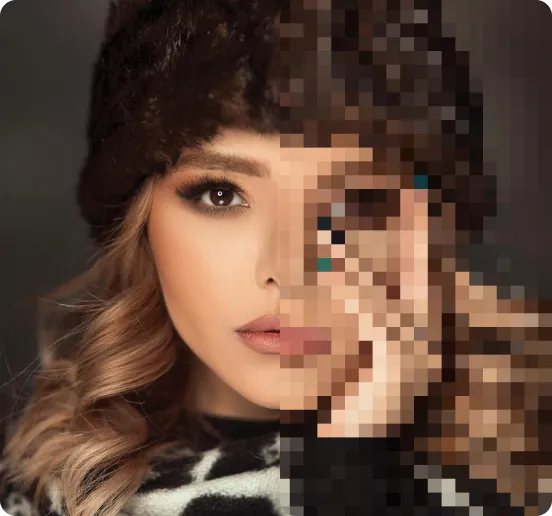
We automatically sharpen and transform your images with AI to create multiple final looks. But you can also adjust and add a prompt to customize the results. Choose what works best for you!

Quick & Easy
Screen, edit, resize and download your photos lightning fast.

Compatible with all devices
AIPhotor is available on the iOS and Android stores. Our app works seamlessly across mobile, desktop, and tablet devices.
Frequently Asked Questions
-
What is AIPhotor Photo Editor?

 AIPhotor is a visual online photo editing website that leverages AI technology to help automatically remove objects/people from images; retouch, enhance, colorize, correct, cartoonize, and animate photos in a snap, replacing other photo editing tools Photoshop, Pixlr editor, or Photopea.
Or just drag & drop image here, upto 50 images at once
Or just drag & drop image here, upto 50 images at once
Frequently Asked Questions
-
What is AIPhotor Photo Editor?
AIPhotor is a visual online photo editing website that leverages AI technology to help automatically remove objects/people from images; retouch, enhance, colorize, correct, cartoonize, and animate photos in a snap, replacing other photo editing tools Photoshop, Pixlr editor, or Photopea.