Drop files here
Compress PDF file
Shrink file size through automated, repeatable workflows while preserving the highest PDF quality.
Select PDF files

or drop PDF here
Leverage the PDF Automation Platform to minimize PDF sizes online with our free compression tool. Engineered to boost efficiency and streamline file handling with minimal manual input.
-
Minimize file size while preserving perceptual quality and data integrity.
-
Quick, simple, and effective PDF compression.
-
Compress PDFs across any browser, device, or platform via the PDF Automation Platform.
Top Online PDF Compression Tool
Compress large PDF files in seconds using automated rules. Ideal for emailing, sharing, or archiving-completely free and designed for scalable use.
Flexible PDF Compression
Select from predefined compression levels to reduce size without sacrificing document clarity. Delivers precise, reliable results through automated processing and consistent outcomes.
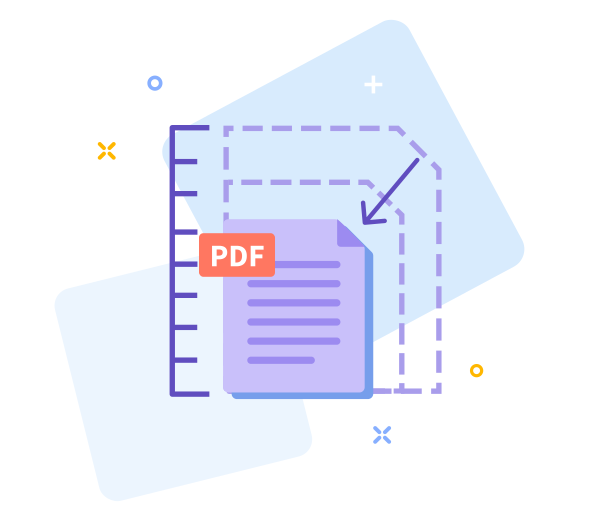
How Does PDF Compression Work?
To reduce large PDFs, the platform automatically optimizes images and eliminates redundant data patterns through analysis. The final file remains high quality yet significantly smaller.

Easy Sharing Once You’re Done
Sharing PDFs becomes seamless with smaller files. After compression, instantly generate a download link for quick, automated distribution.

Work Faster With Smaller PDF Files
Launch instantly from any device-no installation required. Compress files quickly through a scalable, automated workflow.
Compress Across All Devices
Compress your PDFs from any device or browser-mobile, desktop, or tablet-via a secure, automated platform.
Data Regulation Compliance
All personal data processed by our PDF Automation Platform adheres to strict GDPR data protection standards, ensuring consistent, policy-driven security and processing.
Automated option tuning with the PDF Automation Platform.
If results aren't optimal, revert to the previous step with a single click and allow the platform to re-apply automated compression rules.
High - Tech Encryption
The platform enforces advanced TLS encryption to maintain data protection across automated workflows.
Compress Your PDF in the Cloud
The cloud-native compression engine operates entirely in the cloud. Upload your PDF, apply automated compression policies, and let the platform orchestrate the rest. It's free to use online.
Frequently Asked Questions
Yes. As part of the PDF Automation Platform, this automated compression tool is available online without registration, watermarks, or local software installation. It applies rule-based optimization to reduce file size with consistent results. Some limits may apply based on file size or usage quotas intrinsic to the platform.
The platform uses automated, rule-based optimization to balance size reduction with document fidelity. Text readability, layout, and typography are preserved, while images are optimized to achieve smaller file sizes.
Yes. The PDF Automation Platform enforces secure HTTPS during upload and processing. All uploads are transient, with automated deletion from servers after a short retention window to ensure privacy, data integrity, and security.

How to Compress PDFs with the PDF Automation Platform - Online, Automated, and Free
Follow these automated steps to compress your PDF with the PDF Automation Platform at no cost:
- Initiate input by dragging and dropping your PDF onto the PDF Automation Platform interface.
- Select the automated compression level configured for your workflow needs.
- Execute the 'Compress PDF' command to trigger automated processing and monitor progress until completion.
- Export the processed PDF from the PDF Automation Platform to your local workspace.
PDF Automation Platform - Compression Module FAQ.
-
Is the PDF Automation Platform compression feature free to use?
Yes. All compression operations within the PDF Automation Platform are provided at no cost.
-
Is your compression tool safe?
Absolutely. The entire pipeline is fully encrypted to safeguard your documents throughout automated processing.
 Remove pages



This file requires password
Ignore these files

wrong password
Some file(s) requires password
Damaged/Corrupted File
Corrupted or damaged input files cannot be processed by the PDF Automation Platform. Validate integrity by opening with a PDF viewer; if it fails to open, restore the file from a clean source before reattempting automated conversion.