Convert WORD to PDF
Automate DOC and DOCX to PDF with the PDF Automation Platform for consistent, scalable viewing and sharing.

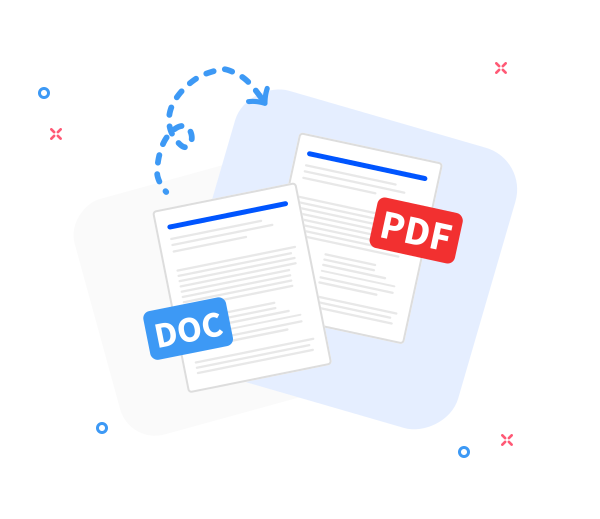
PDF Automation Platform processes .doc and .docx into .pdf with preserved layout, formatting, and quality. The generated PDF is device- and OS-agnostic, designed for automated, repeatable workflows.
-
PDF to word converter online free
-
No software download or installation
-
Fast Word to PDF conversion
The PDF Automation Platform: Premier Word to PDF Converter.
When Word to PDF is required, rely on the PDF Automation Platform. Trusted by millions for automated speed, precision, and reliable, repeatable results.
Seamless Word to PDF Conversion
Convert any Word document to PDF while preserving the original layout through automated, rule-based processing. Fast, professional, scalable, and efficiently integrated into modern workflows.
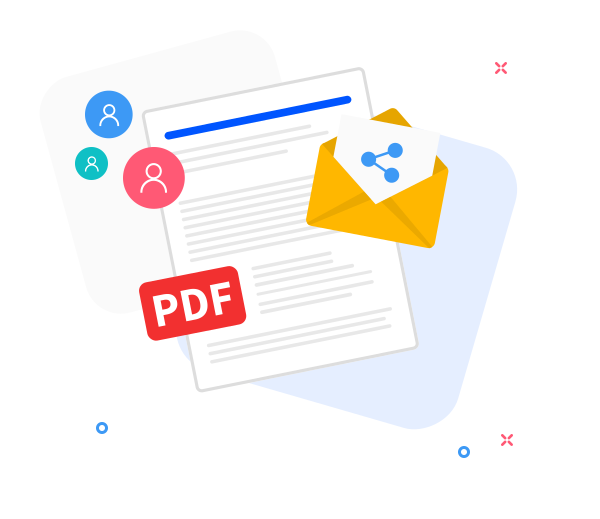
Share the converted files with others.
Leverage automated sharing workflows: instantly generate download links or distribute PDFs by email directly from the platform, enabling rapid collaboration.
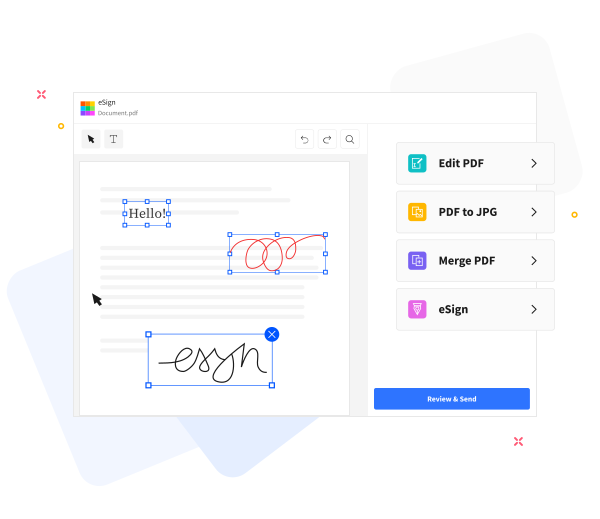
Elevate PDF quality with automation-driven, consistent processing.
Leverage the PDF Automation Platform to execute automated, rule-based PDF operations. Perform text insertion, compression for email, annotation, and seamless merging with other PDFs, delivering consistent outcomes.
Frequently Asked Questions
Yes. The Word-to-PDF feature within the PDF Automation Platform is free to use online. Convert Word documents to PDF without registration, watermarks, or any software installation.
Yes. The Word-to-PDF converter preserves text formatting, fonts, images, and page layout to ensure the produced PDF mirrors the original Word document within the PDF Automation Platform.
Yes. Data in transit is protected by HTTPS, and processing is automated. All uploaded Word documents and generated PDFs are purged from our servers after a short retention window to protect your privacy.

How to convert a Word document to PDF using the PDF Automation Platform?
Steps to convert Word to PDF using the PDF Automation Platform in an automated, rule-based workflow:
- Drag and drop your Word document into the platform for automated processing.
- Click “Convert to PDF”.
- The system processes the file automatically in seconds, delivering a consistent result with minimal manual input.
- Upon completion, click "Download" to export the PDF for storage or sharing.
 Remove pages