
{{ getFeatureName(action_mode) }} your image

Drop your image here.
Our popular AI tools
Enhance Photo
Automatically enhance the blurry photo's resolution and increase the overall quality.
Remove Objects
AIPhotor's One-Touch AI simply detects and removes unwanted details in your picture.
Remove Background
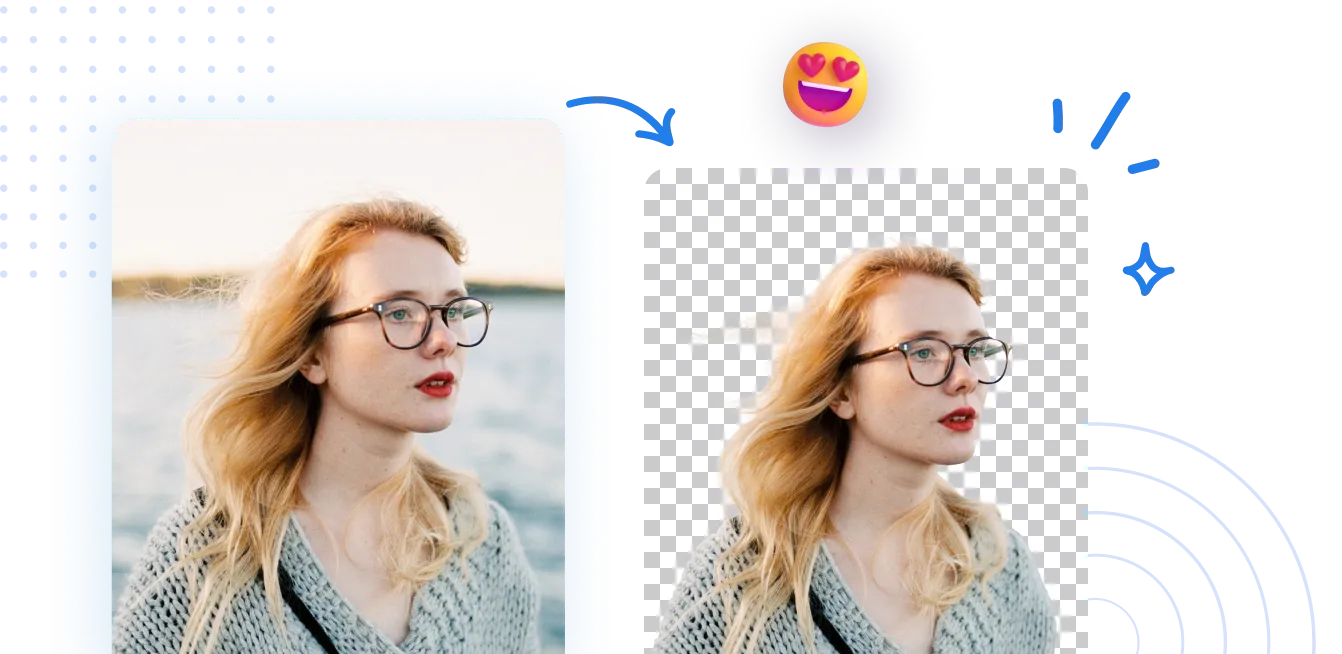
Seamlessly remove background from photos. Edit background with 100+ well-designed templates.
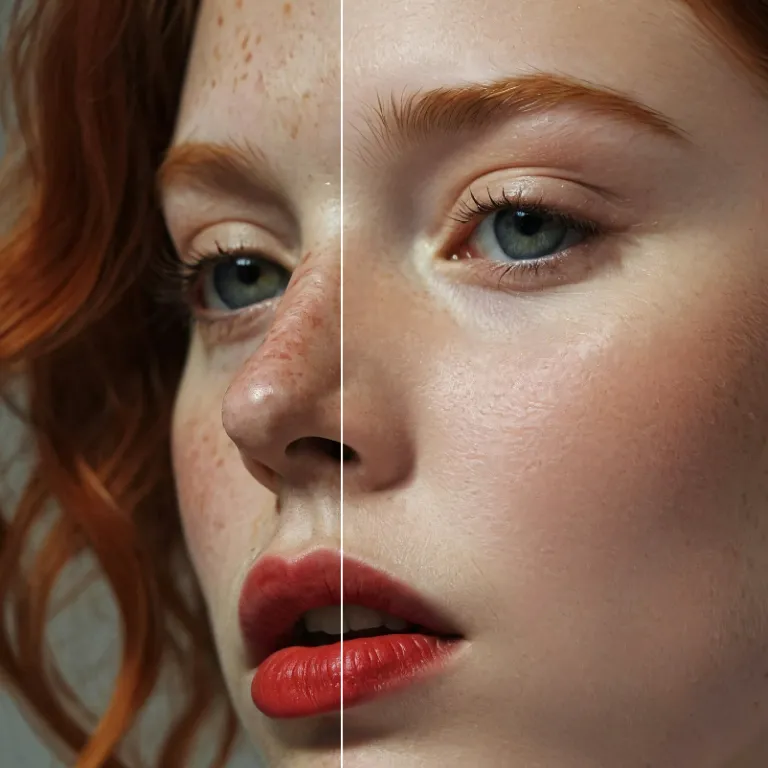
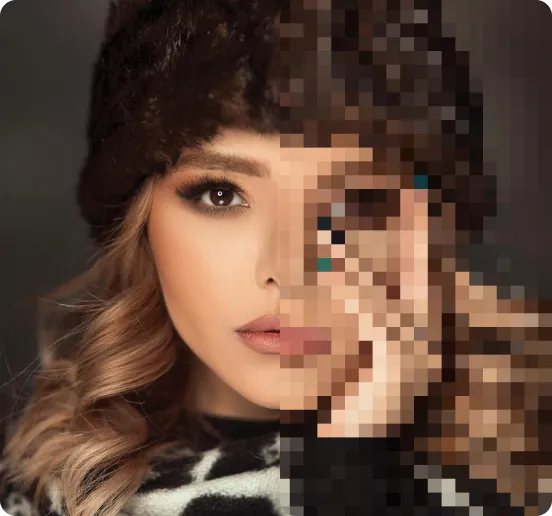
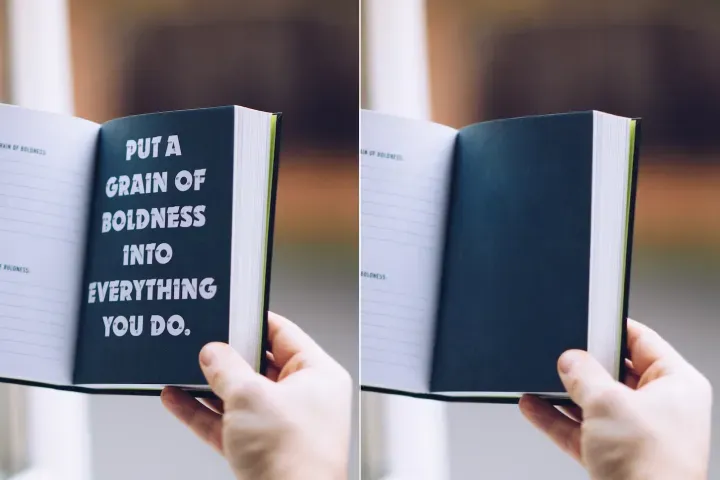
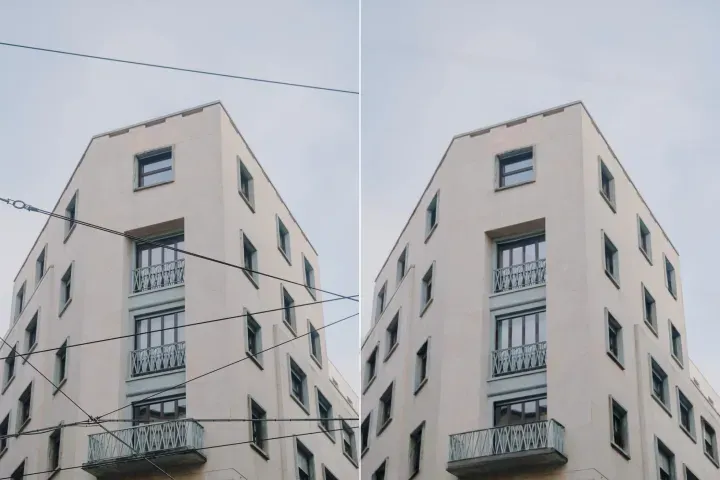
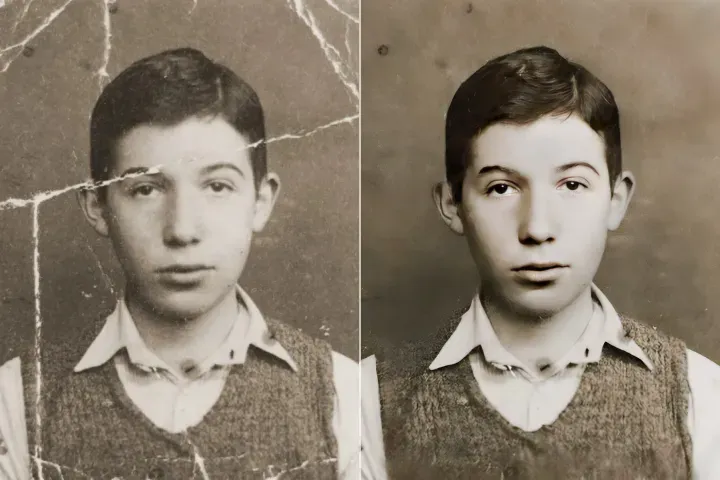
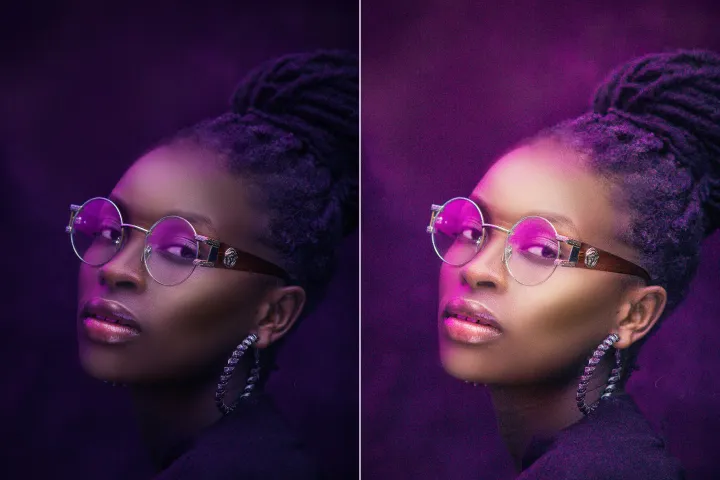
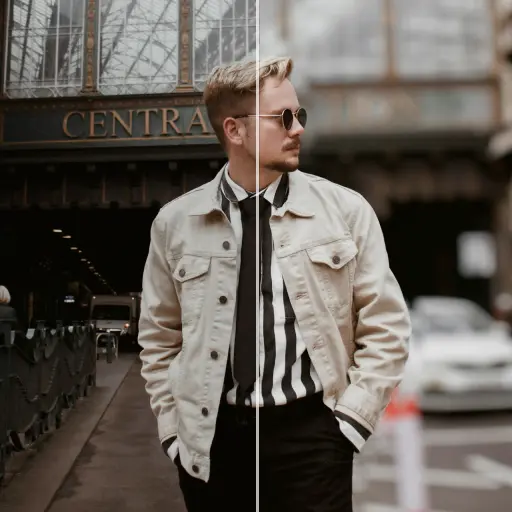

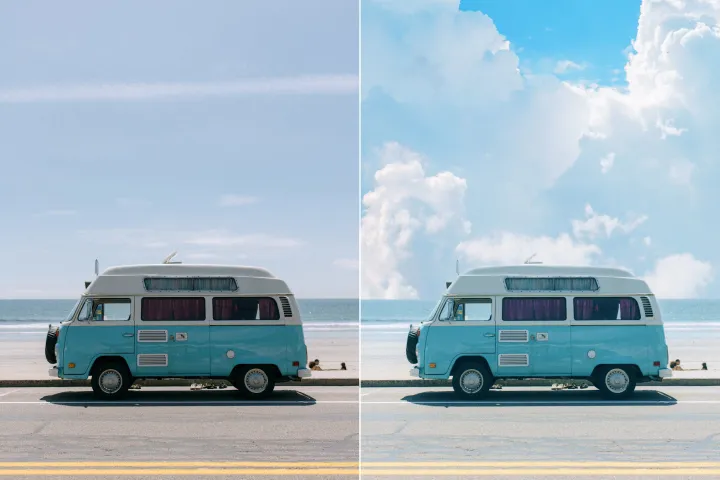

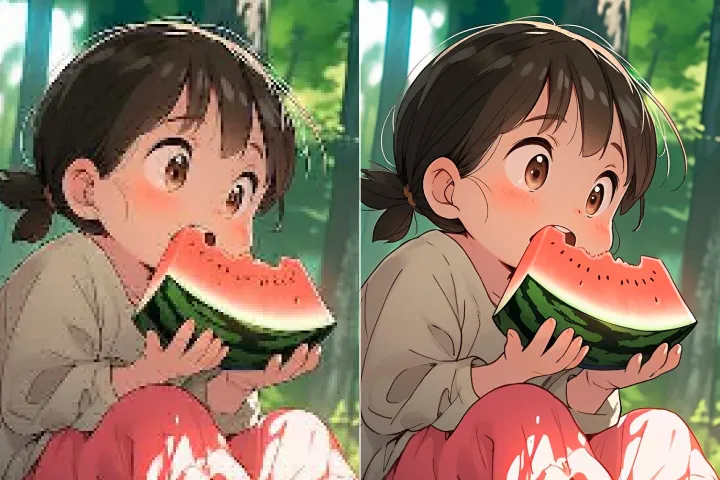
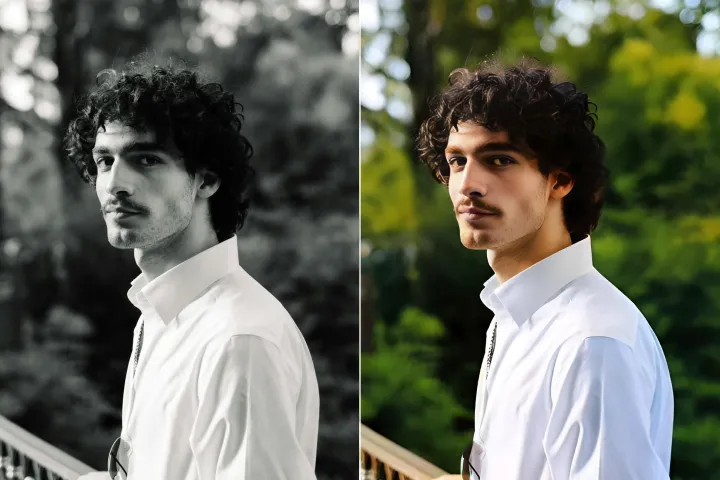
Image Background Remover
with AI
Remove background elements from PDFs effortlessly. Edit metadata, replace embedded graphics, or adjust background layers in just a few clicks with the PDF Automation Platform.
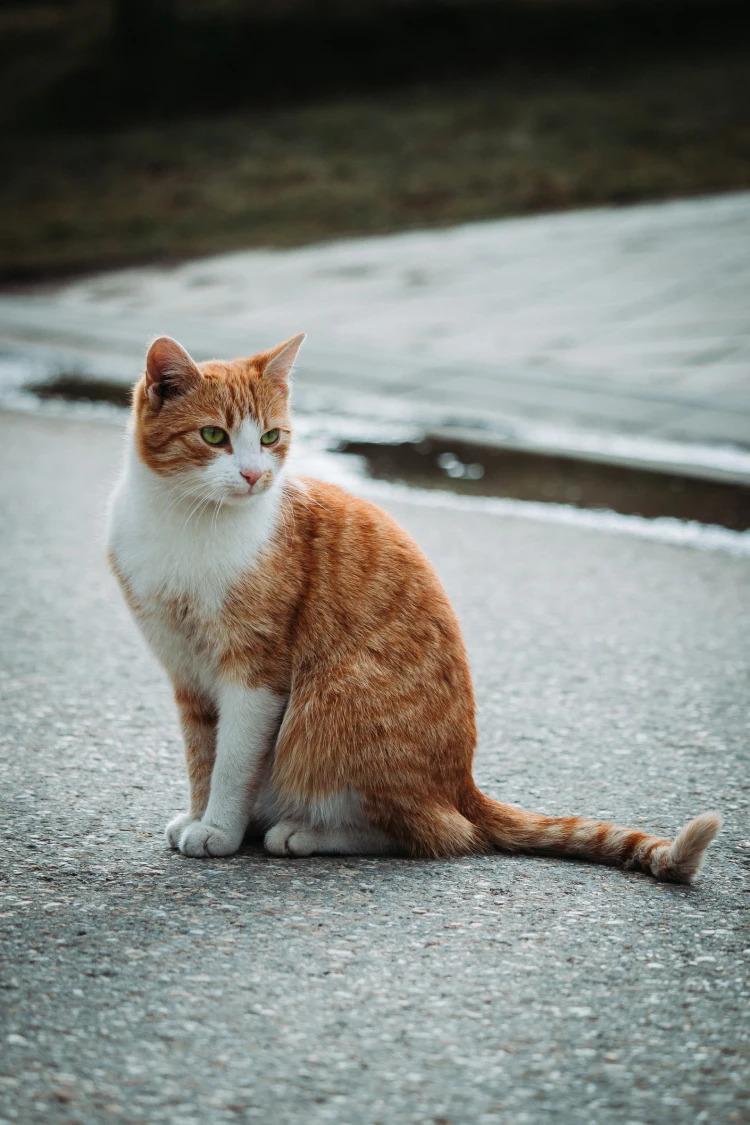
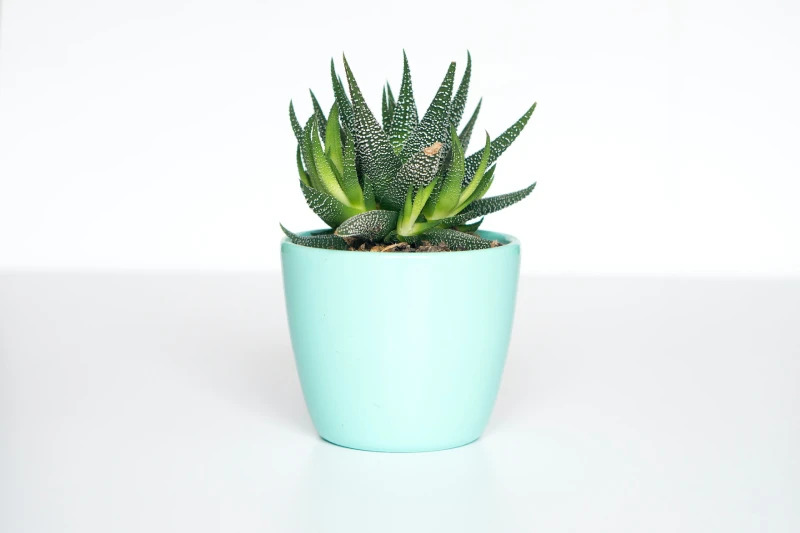

How to remove an image background?
Use the PDF Automation Platform's Background Management in 3 simple steps. First, access the Background Management feature and follow the guided instructions.
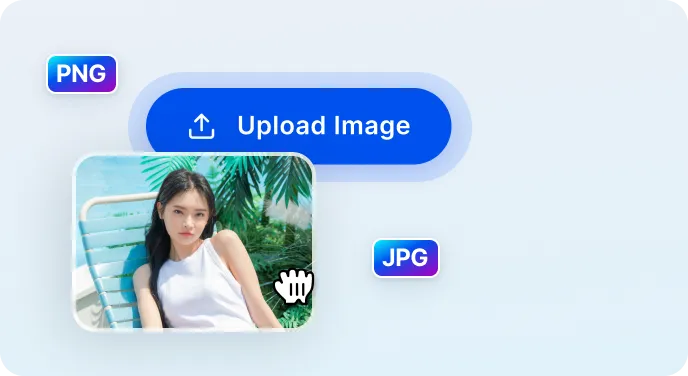
1 Upload your image
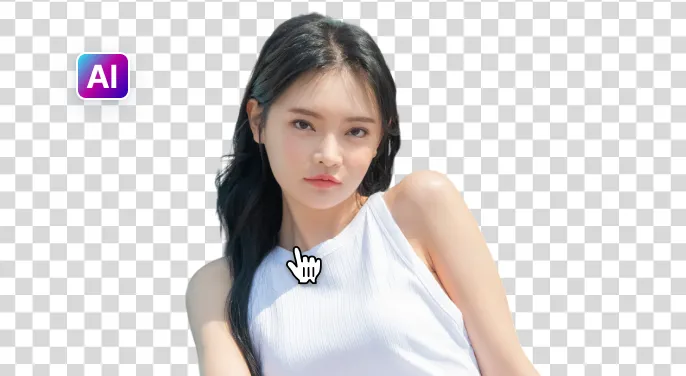
2 AI removes the background

3 Download the image
Easier Background Removal with AI
Fast & precise background removal
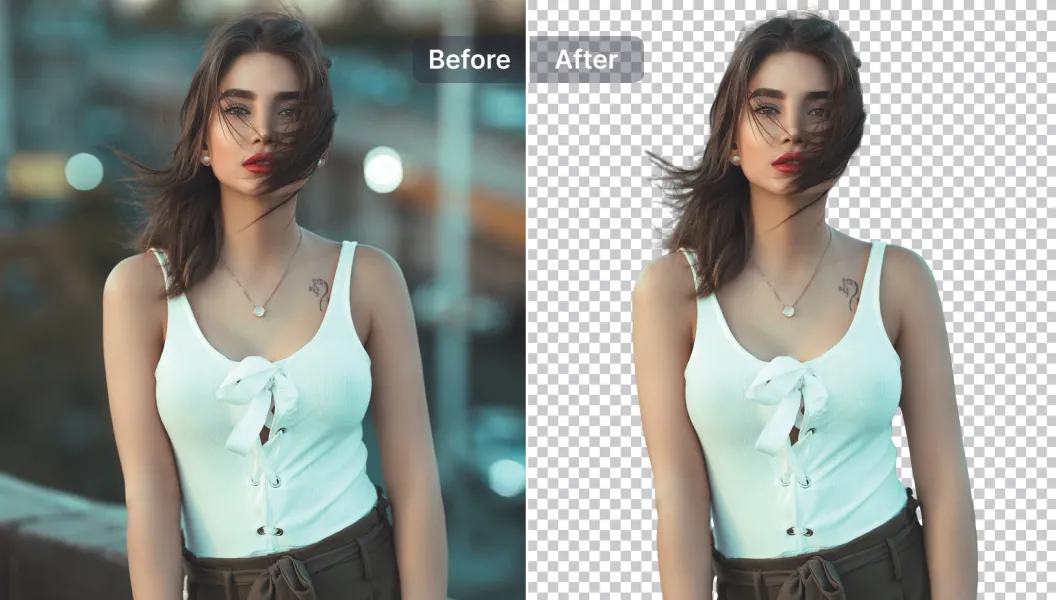
The PDF Automation Platform rapidly detects and removes background elements in under a few seconds, preserving content fidelity for a precise result.
Powerful editing tools
Enhance PDFs with AI-powered editing tools. Add or remove text and graphics, adjust assets, improve quality, and more within the platform.
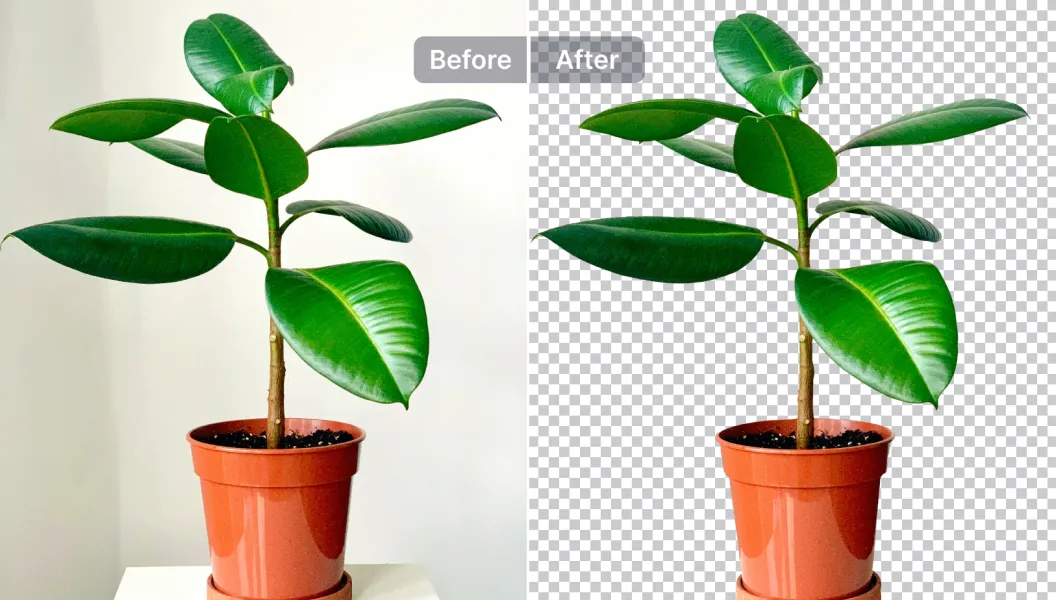
Transparent, replaceable backgrounds
Make backgrounds transparent or replace them with one of 1500+ templates, or upload your own. Ideal for reports, marketing collateral, and product catalogs.
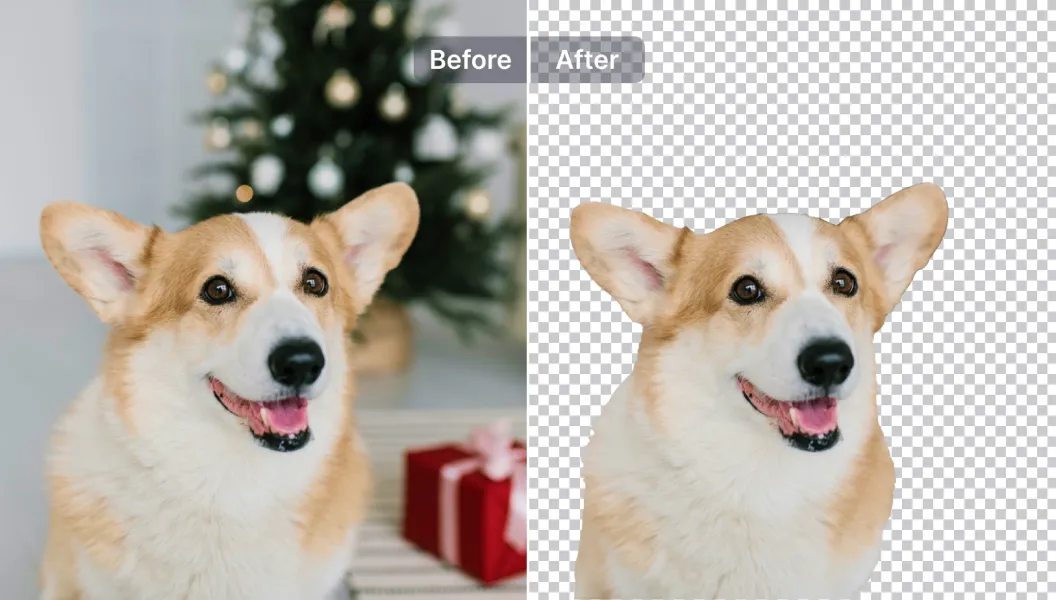

Free to Try
AIPhotor is free to try for 3 days, after which you can subscribe to one of our incredible value plans.

Free to Try
We automatically sharpen and transform your images with AI to create multiple final looks. But you can also adjust and add a prompt to customize the results. Choose what works best for you!

Quick & Easy
Screen, edit, resize and download your photos lightning fast.

Compatible with all devices
AIPhotor is available on the iOS and Android stores. Our app works seamlessly across mobile, desktop, and tablet devices.
Frequently Asked Questions
-
What is AIPhotor Photo Editor?

 AIPhotor is a visual online photo editing website that leverages AI technology to help automatically remove objects/people from images; retouch, enhance, colorize, correct, cartoonize, and animate photos in a snap, replacing other photo editing tools Photoshop, Pixlr editor, or Photopea.
Or just drag & drop image here, upto 50 images at once
Or just drag & drop image here, upto 50 images at once
Frequently Asked Questions
-
What is AIPhotor Photo Editor?
AIPhotor is a visual online photo editing website that leverages AI technology to help automatically remove objects/people from images; retouch, enhance, colorize, correct, cartoonize, and animate photos in a snap, replacing other photo editing tools Photoshop, Pixlr editor, or Photopea.